MT4 Indicator
Calculates and displays chart analysis such as trend direction, signals, levels, volatility or trade-management information.
Best for:Focused analysis on an open chart
Chart analysis, scanning and automation
Explore chart indicators, multi-symbol scanners and MQL4 solutions designed for practical MT4 data feed workflows across equity, commodity, indices, options, forex and crypto instruments.
Choose the right MT4 tool
Each solves a different part of an MT4 workflow. Start with the task you need to perform, then check data and symbol compatibility.
Calculates and displays chart analysis such as trend direction, signals, levels, volatility or trade-management information.
Best for:Focused analysis on an open chartReviews configured symbols or timeframes and presents selected conditions in a compact market dashboard.
Best for:Finding setups across many symbolsUses programmed rules for alerts, trade management or automated execution, depending on the approved specification.
Best for:Rule-based automation and executionLive product catalog
Compare active chart-analysis tools and open each product page for its specific features, screenshots and compatibility details.
MT4 Indicator
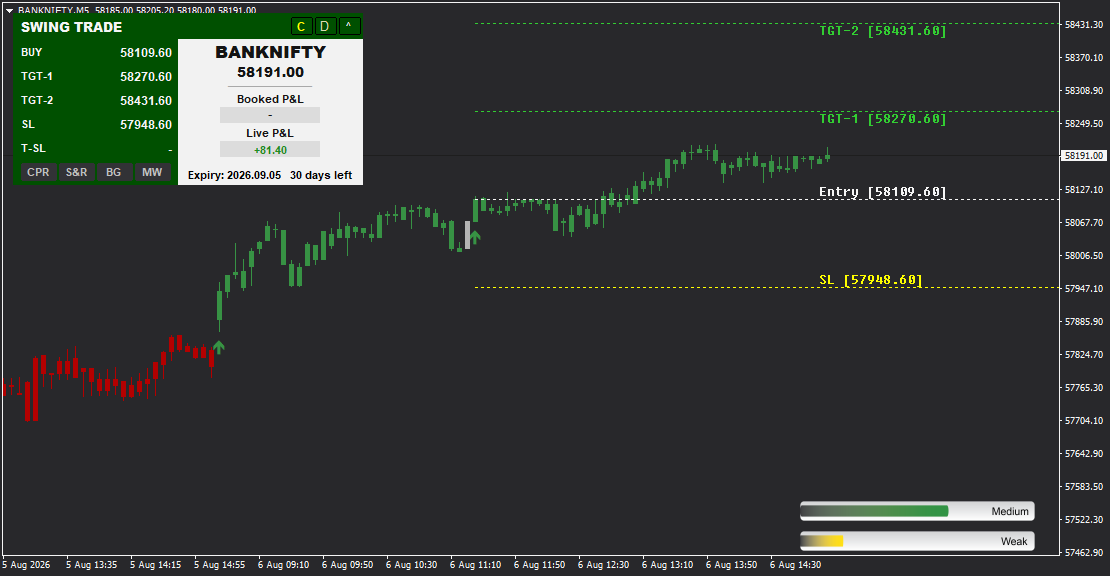
Master swing trading with confidence using Swing Trade-the all-in-one indicator designed for multi-day position traders who need comprehensive mark...
MT4 Indicator
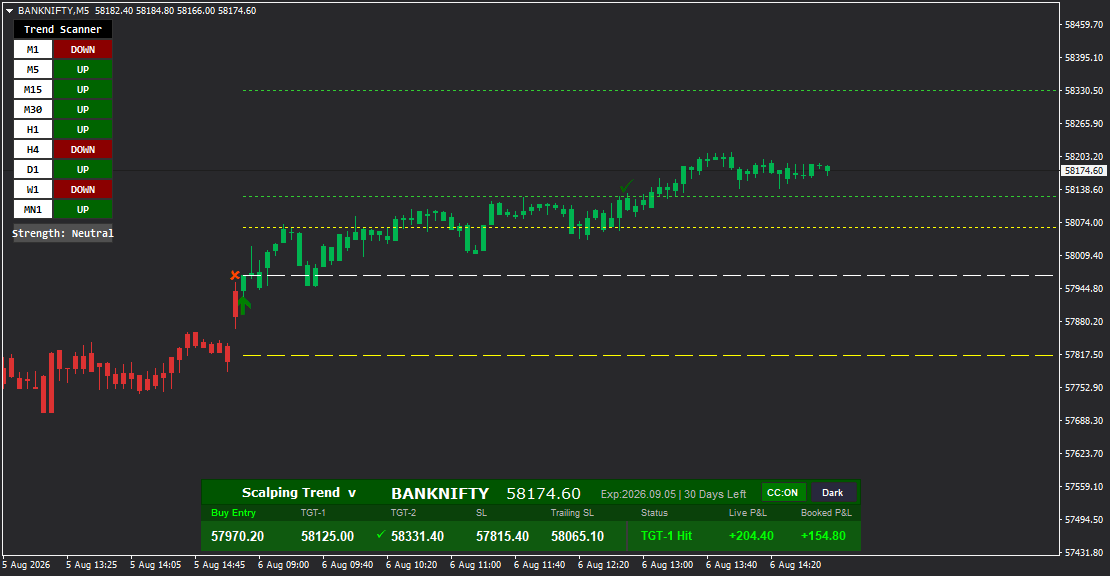
Master the art of precision scalping with Scalping Trend-the ultimate multi-timeframe indicator designed for fast-paced traders. Featuring an intel...
MT4 Indicator
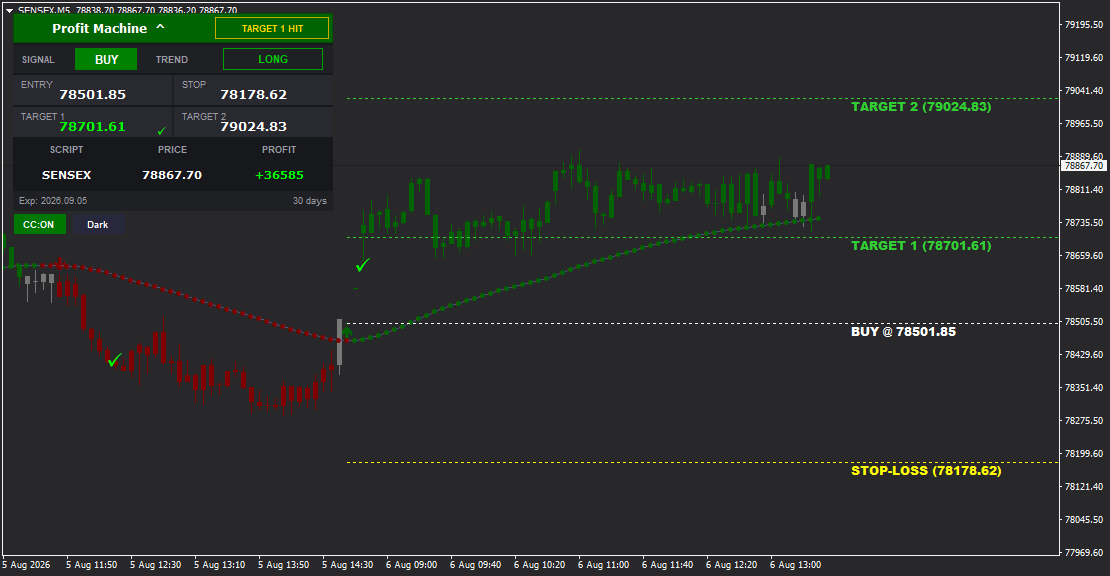
Profit Machine is a powerful MT4 indicator designed to generate consistent profits through clear BUY/SELL signals with complete trade management. I...
MT4 Indicator
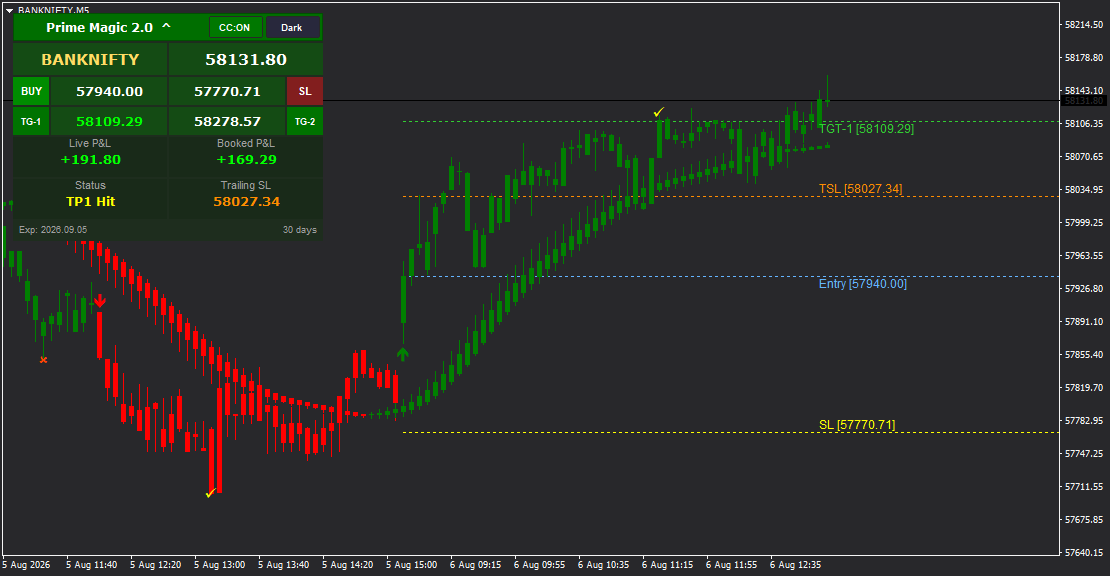
Prime Magic 2.0 is a powerful MT4 indicator combining precise BUY/SELL signals with intelligent Trailing Stop Loss (TSL) technology for maximum pro...
MT4 Indicator
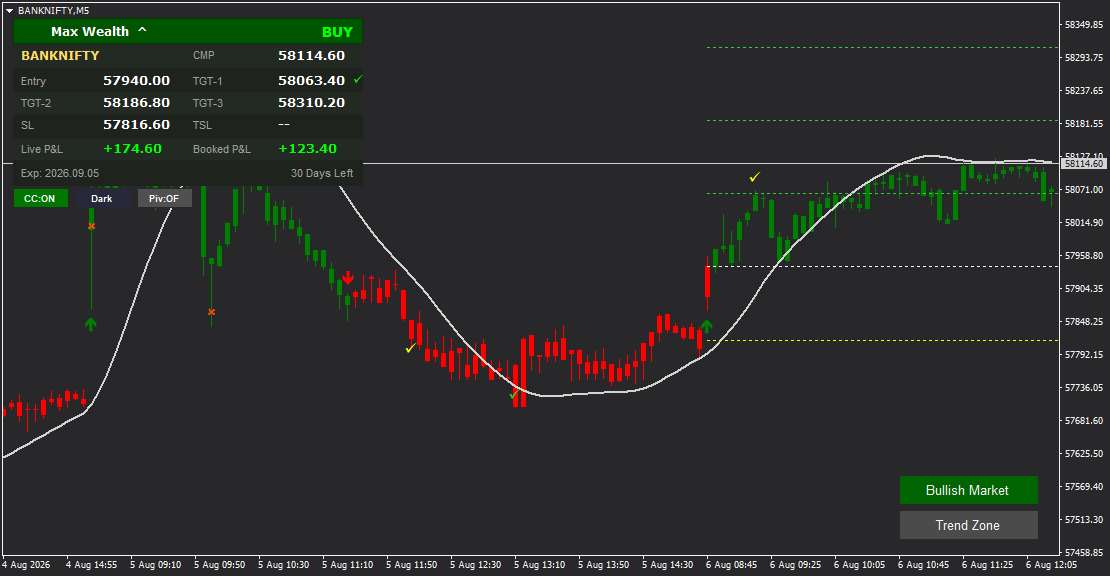
Max Wealth is a premium MT4 indicator engineered for wealth accumulation through progressive profit booking with a unique three-target system (TGT-...
MT4 Indicator
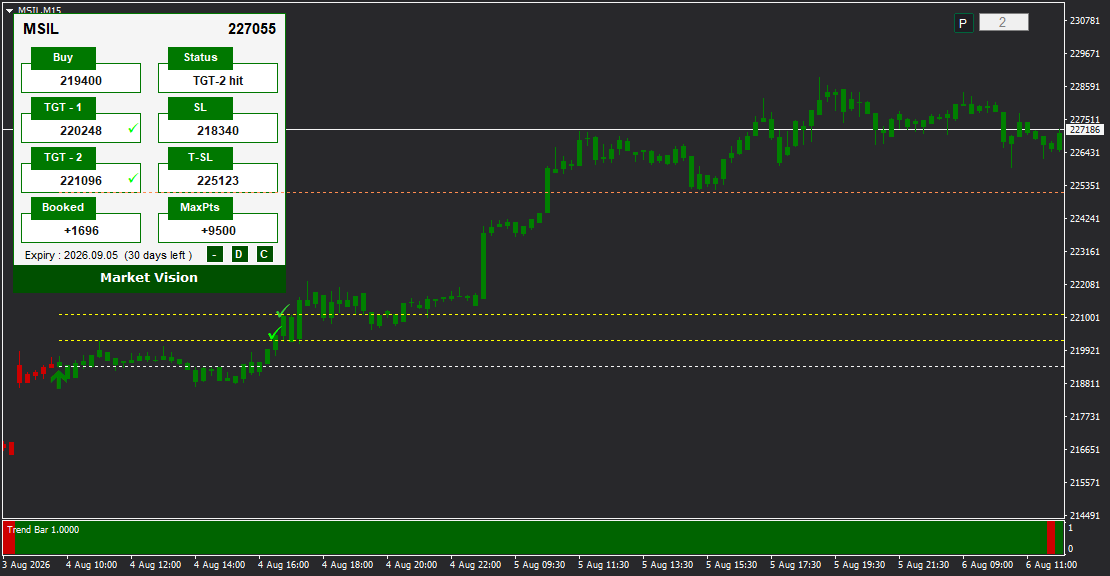
Market Vision is an advanced MT4 indicator combining precision signal generation with intelligent Trailing Stop Loss (T-SL) technology and a real-t...
MT4 Indicator
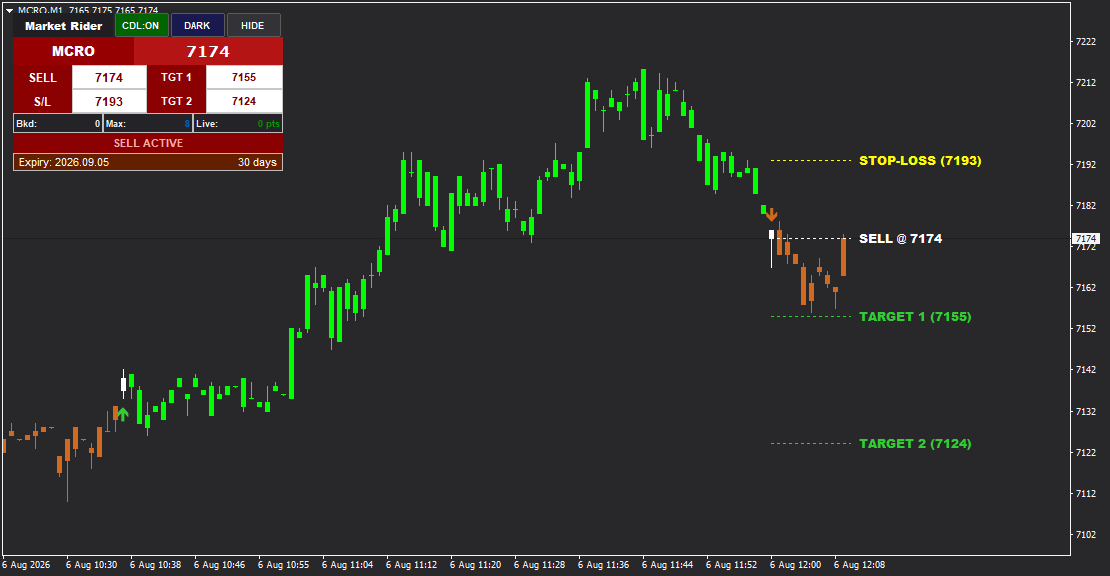
Market Rider is a clean and powerful MT4 indicator designed for both intraday and positional trading, delivering precise BUY and SELL signals with ...
MT4 Indicator
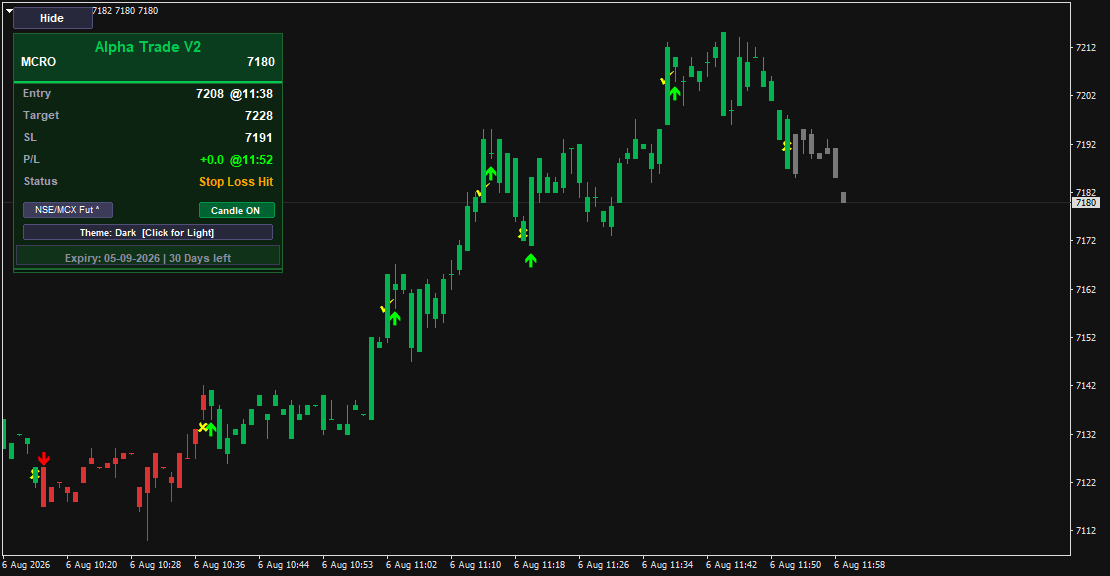
Alpha Trade V2 is a powerful multi-asset MT4 indicator designed for trading Stocks (NSE/MCX Futures, NSE Cash), Forex pairs, Cryptocurrencies (XAUU...
MT4 Indicator
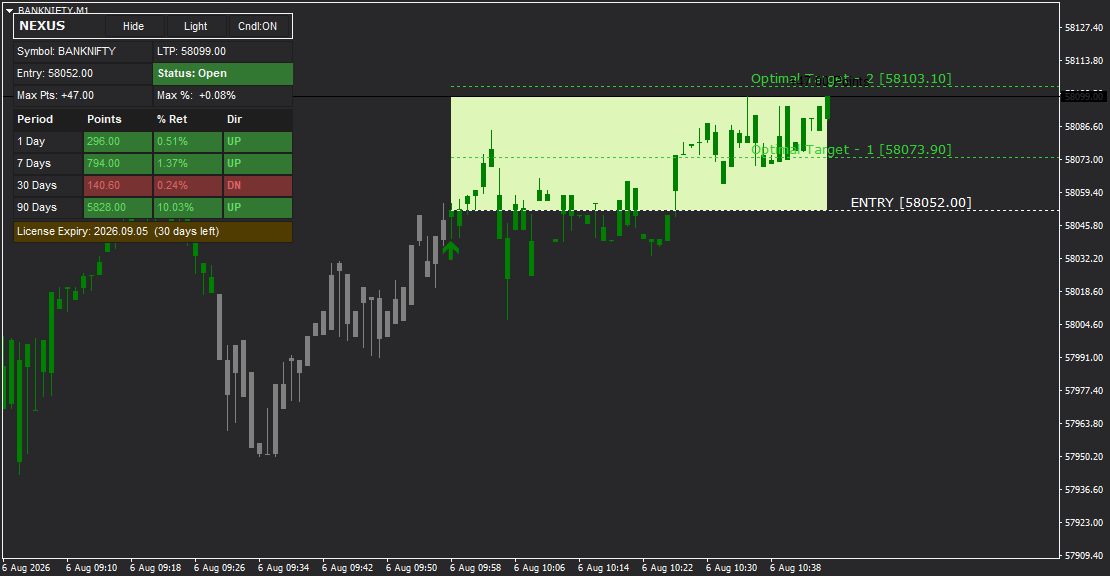
NEXUS is an intelligent MT4 indicator designed for both intraday and positional trading, featuring precise BUY and SELL signals with an innovative ...
MT4 Indicator
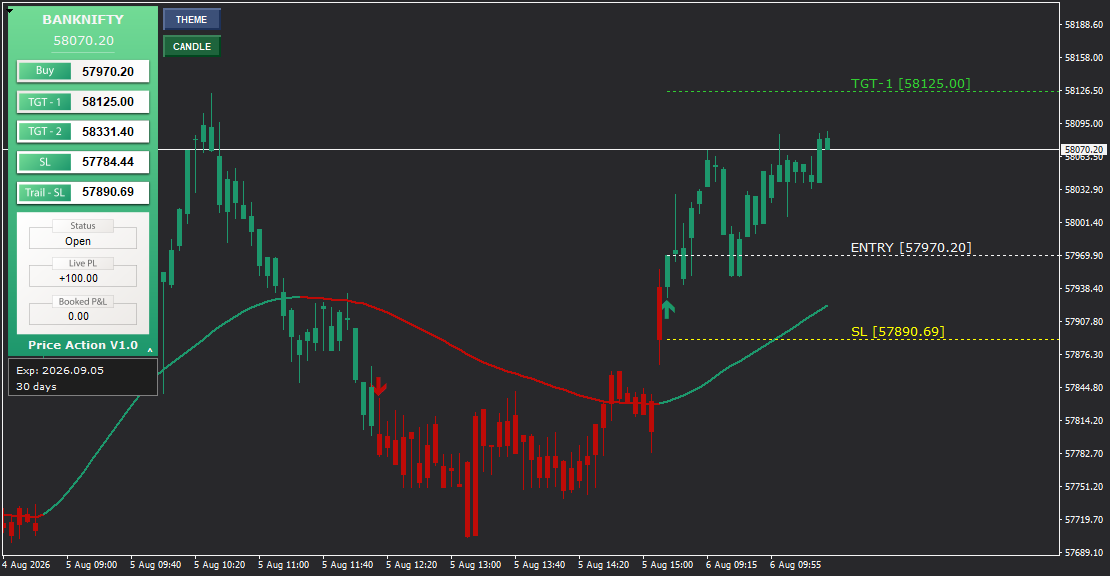
Price Action V1.0 is a versatile MT4 indicator that works seamlessly for both intraday and positional trading, delivering precise BUY and SELL sign...
MT4 Indicator
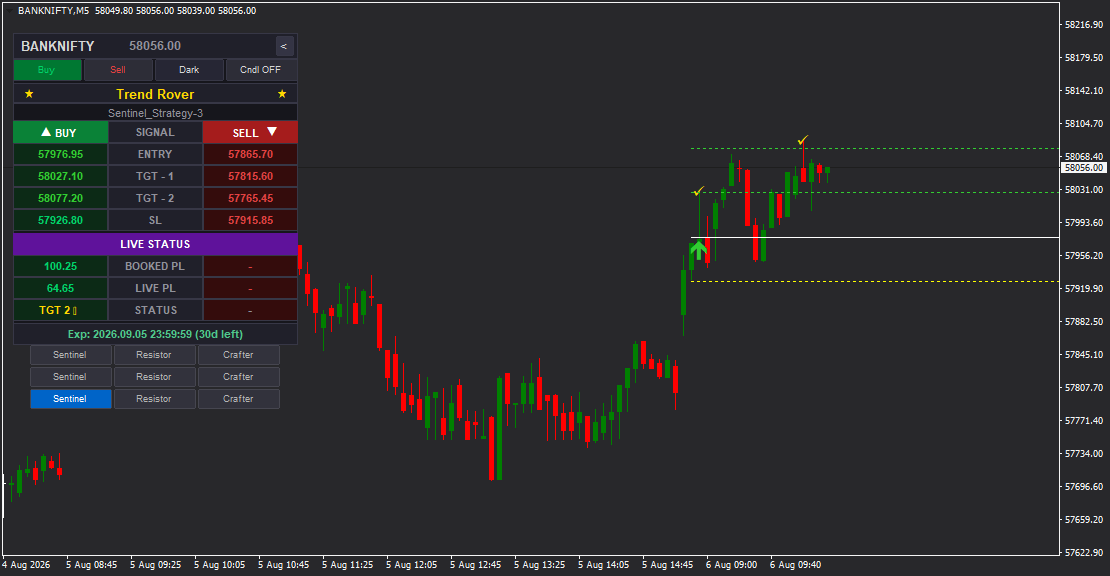
Trend Rover is an advanced intraday MT4 indicator featuring 9 built-in trading strategies (3 each for Sentinel, Resistor, and Crafter profiles) tha...
MT4 Indicator
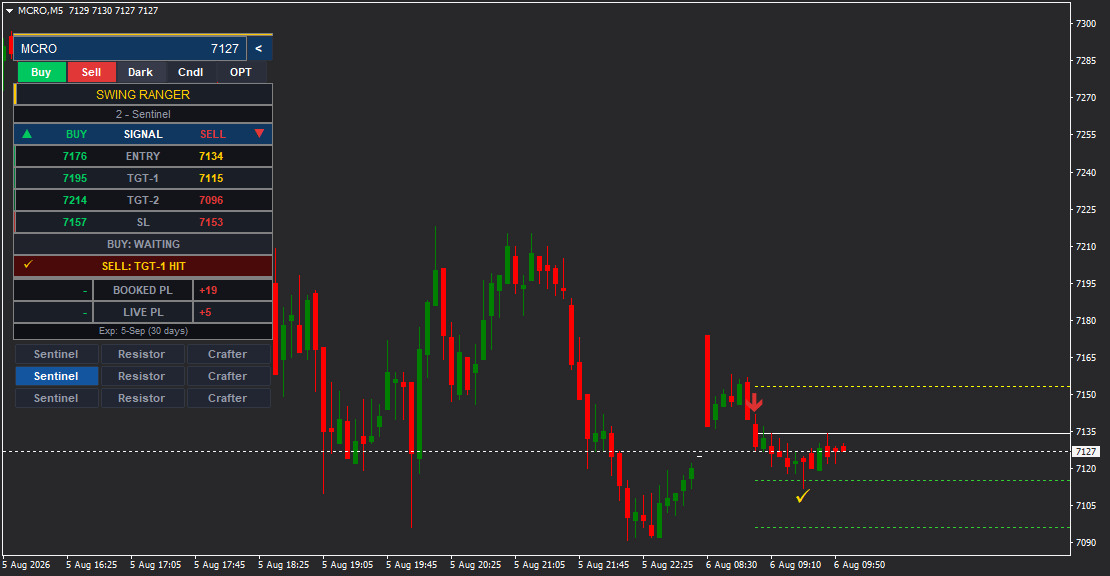
Swing Ranger is a specialized intraday MT4 indicator featuring 9 built-in trading strategies (3 each for Sentinel, Resistor, and Crafter profiles) ...
MT4 Indicator
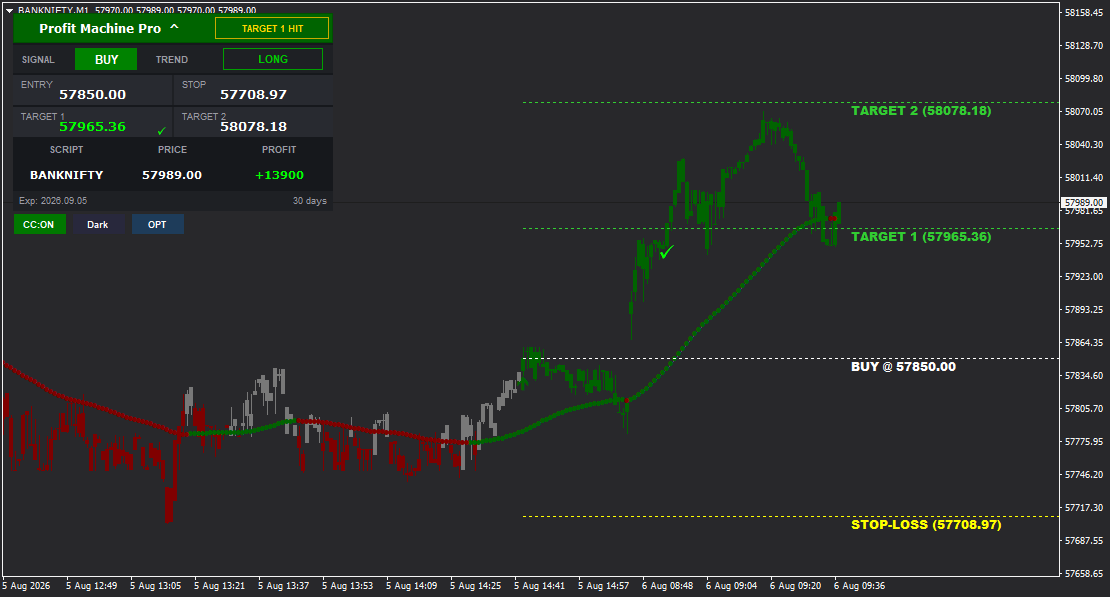
Profit Machine Pro is an advanced MT4 indicator that provides clear BUY and SELL signals with automatically calculated Entry, Stop Loss, Target 1, ...
The data behind the analysis
Indicators and scanners calculate from the symbol, price history and updates available inside the MT4 terminal. Before choosing a tool, confirm that your data feed supports the intended instruments, symbol names, timeframes and any required fields.
Explore MT4 Data FeedBroader market monitoring
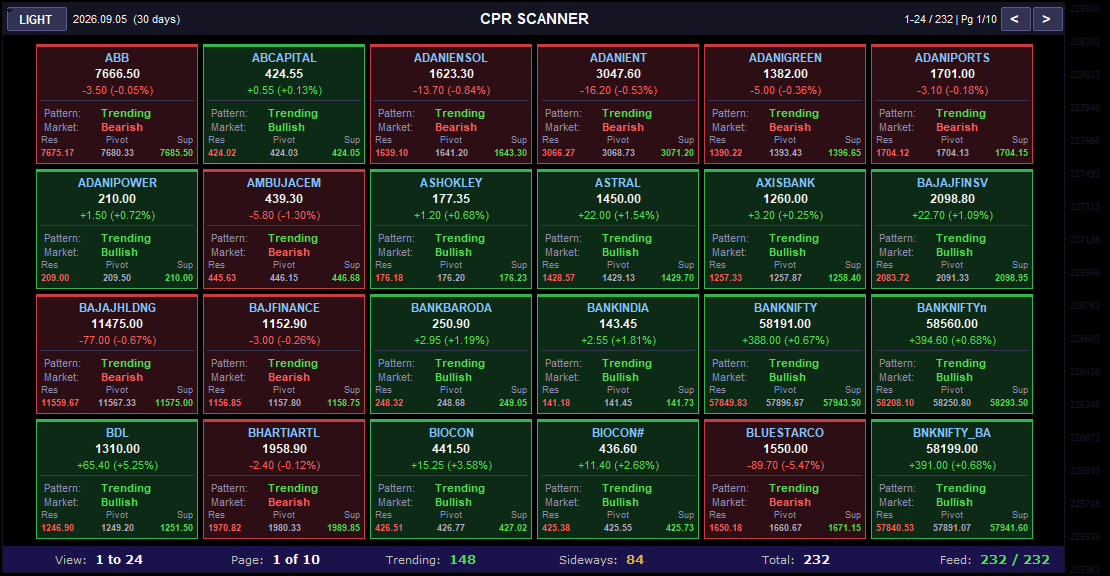
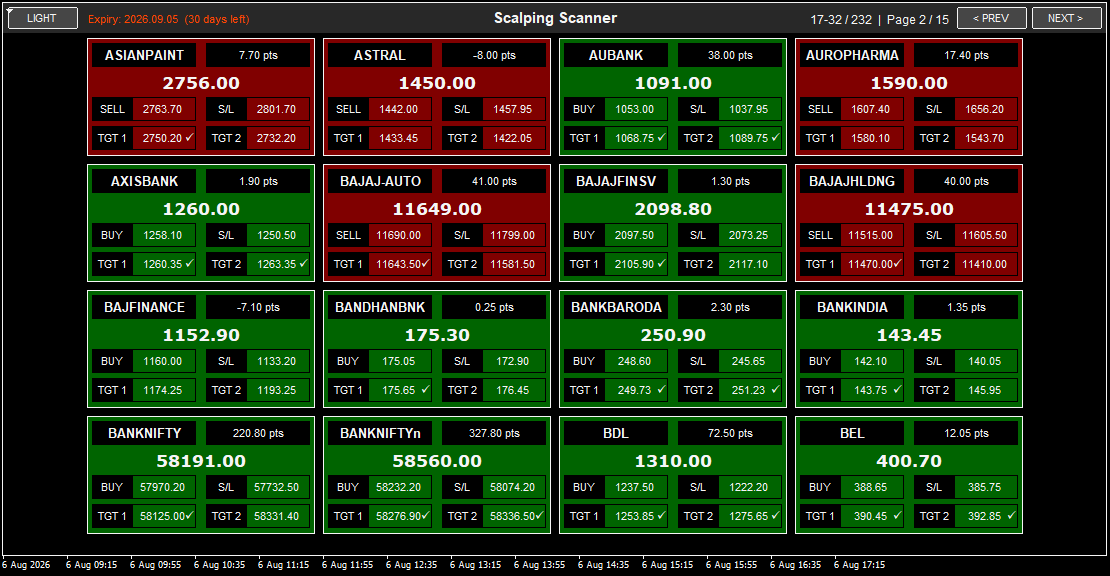
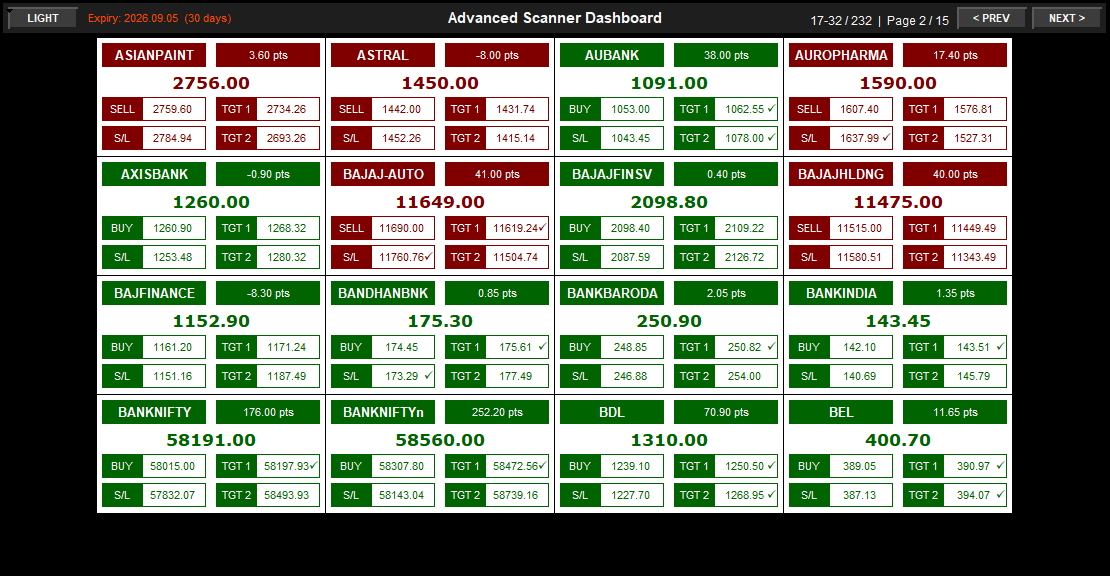
Use scanner dashboards to review selected conditions across configured symbols without opening every chart individually.
MT4 Scanner
MT4 Scanner
MT4 Scanner
Built around your rules
Turn a defined trading method into a purpose-built MT4 indicator, scanner, alert system or Expert Advisor.
Document entries, exits, filters, calculations, timeframes, symbols, visuals and alerts.
Clarify ambiguous rules, MT4 data requirements and expected tool behaviour before development.
Develop the MQL4 solution and test the defined scenarios against representative chart conditions.
Provide the compiled tool, installation guidance and agreed revision or support scope.
Evaluate before choosing
A useful tool should fit your method and data environment. More signals or features do not automatically make an indicator more suitable.
Know whether the tool measures trend, momentum, levels, volatility, signals or trade management.
Confirm symbols, timeframes and required data fields with your MT4 data feed.
Understand when calculations update and how the tool behaves on live and historical bars.
Review inputs, installation steps, documentation, demo availability and support scope.
Test with your own trading rules and risk controls; no indicator guarantees profitable results.
Common buyer questions
Practical answers about indicators, scanners, data feeds and custom MQL4 development.
An MT4 indicator is an MQL4 program that analyses chart or market data and presents calculated information such as trend direction, levels, signals, volatility or dashboard values. It supports analysis but does not guarantee a trading outcome.
An indicator primarily calculates and displays analysis on a chart. An Expert Advisor can contain trade-management or automated execution logic. The exact behaviour depends on how the MQL4 program was designed.
An MT4 scanner reviews multiple configured symbols or timeframes and summarizes selected conditions in one dashboard, reducing the need to inspect every chart manually.
Indicators calculate from the data available in the MT4 terminal. For supported equity, cash, commodity, indices, options, forex or crypto workflows, confirm that the MT4 data feed provides the symbols and data fields required by the tool.
Compatibility varies by product, symbol naming, market data and strategy logic. Review the individual product page and confirm your intended instruments and timeframes before purchase.
Demo availability varies by product. Contact Infinite Charts with the indicator or scanner name and your intended market workflow to receive current demo details.
Installation assistance is available for supported products, including file placement, chart setup and basic configuration guidance.
Yes. Infinite Charts provides custom MQL4 development for indicators, dashboards, scanners, alerts, Expert Advisors and integrations based on a defined trading specification.
A rule-based idea can often be translated into MQL4 when its entries, exits, filters, timeframes, alerts and visual requirements are clearly defined. Feasibility is reviewed before development begins.
No. Indicators and scanners are analysis tools, not guarantees of accuracy or profit. Test the tool against your own method, market conditions and risk controls before making trading decisions.
Need help choosing or building?
Tell us whether you need chart analysis, multi-symbol scanning, alerts, automation or a custom MQL4 solution.
Discuss Your Requirement